
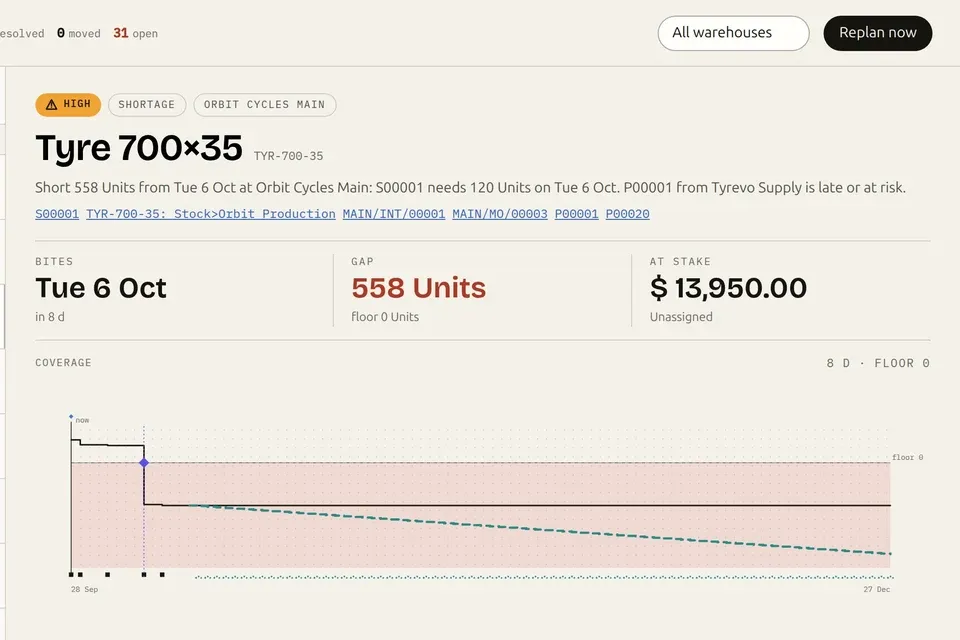

Videos · 0:51 · 2026-09-26
Context Layer for Odoo: why AI gets revenue wrong, and the fix.
The obvious answer to “what is our revenue this month?” adds up amount_total on account.move. On the live public demo, the Context Layer flags that shortcut, asks which company, currency and dates you mean, and before a write supplies the safe path without granting authority.
Read the page: Context Layer for Odoo
Transcript
- Asked of an AI connected to Odoo: “What is our revenue this month?”. Any AI. Any Odoo MCP. Every AI will answer this.
- The obvious answer · account.move · sum( amount_total ). Customer invoices: in this table. Vendor bills: in this table too. Credit notes: in this table too. amount_total: includes tax. One table, three kinds of document: amount_total is not revenue.
- The Context Layer, live: It flags the shortcut.
- Clarify before querying: Which company? Which currency? Which dates?
- Before an AI writes: The safe path. Never the authority.
- One key: Remote MCP or REST, beside your tools.
- AI that knows what your records mean. Verified Odoo 19 meaning, before your AI answers or acts. nanti.ai/context-layer Early access · Odoo 19 · free 7-day key, no Odoo credentials · try the demo with no login at api.context.nanti.ai.
More videos
 Odoo 20 native MCP vs the Execution Layer: what happens when your AI writes1:06
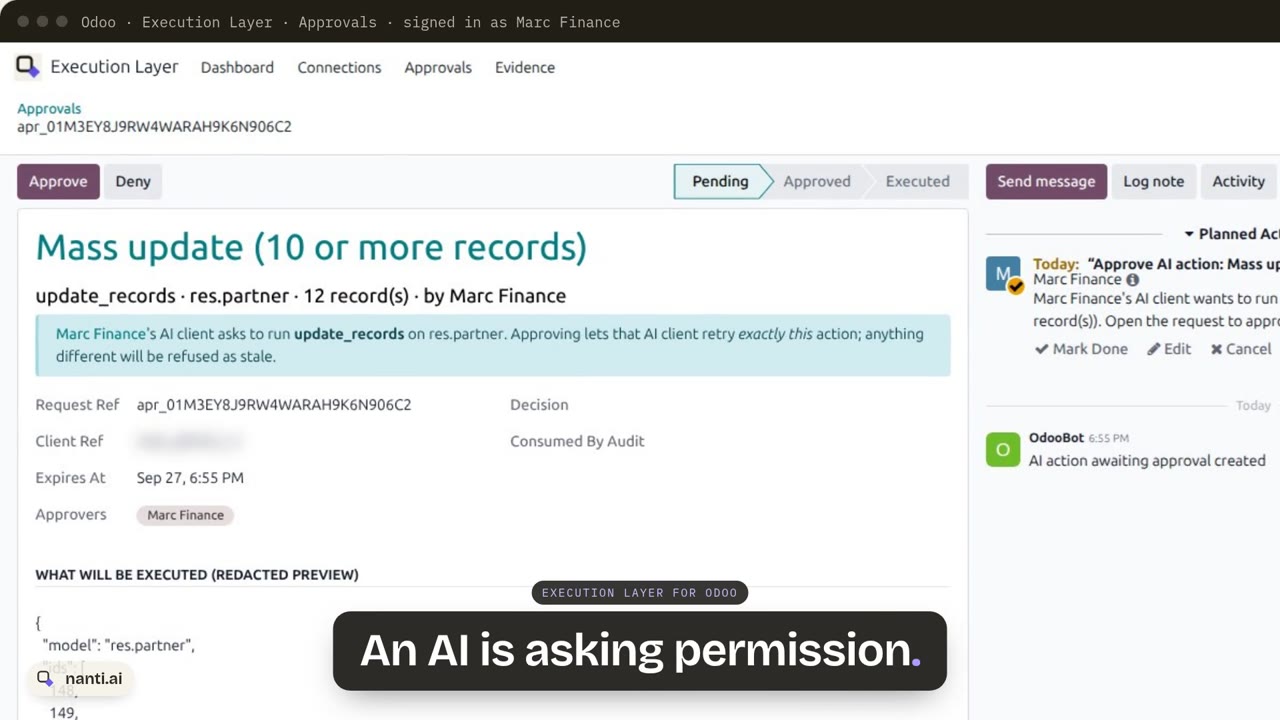 Execution Layer for Odoo: AI writes with approvals and proof0:57
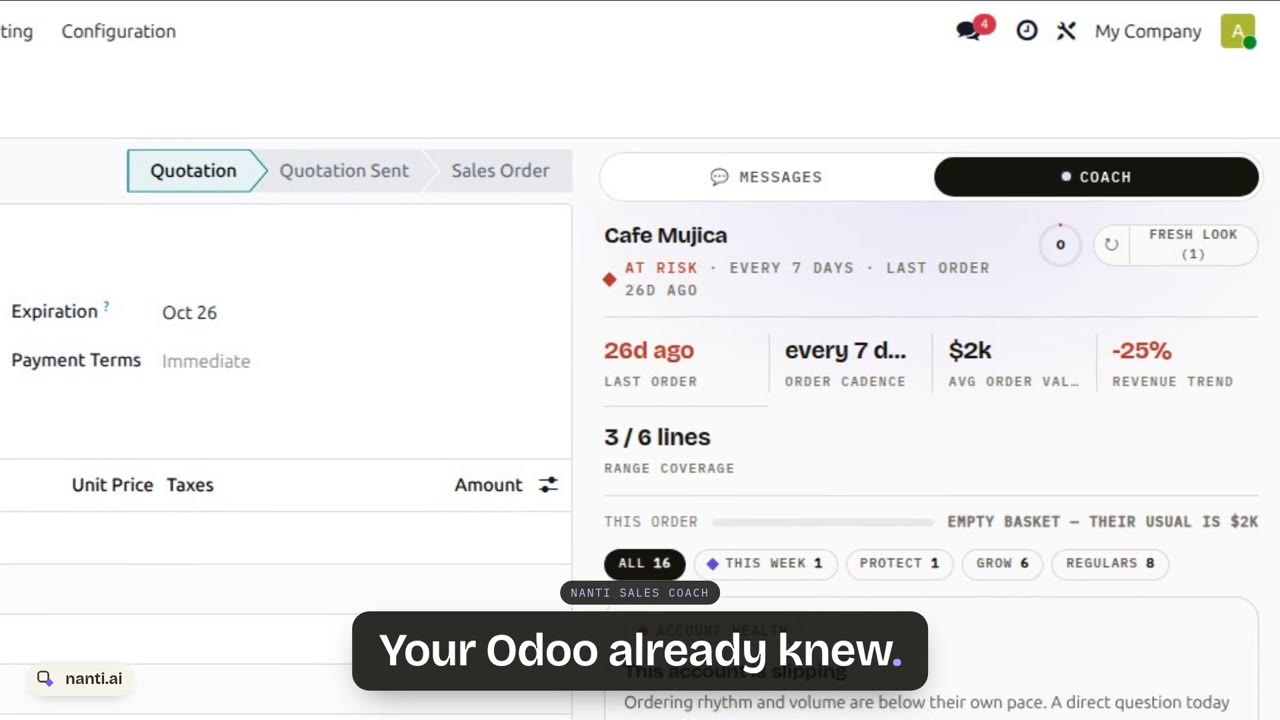 Nanti Sales Coach: the AI Sales Coach for Odoo, in under a minute0:48
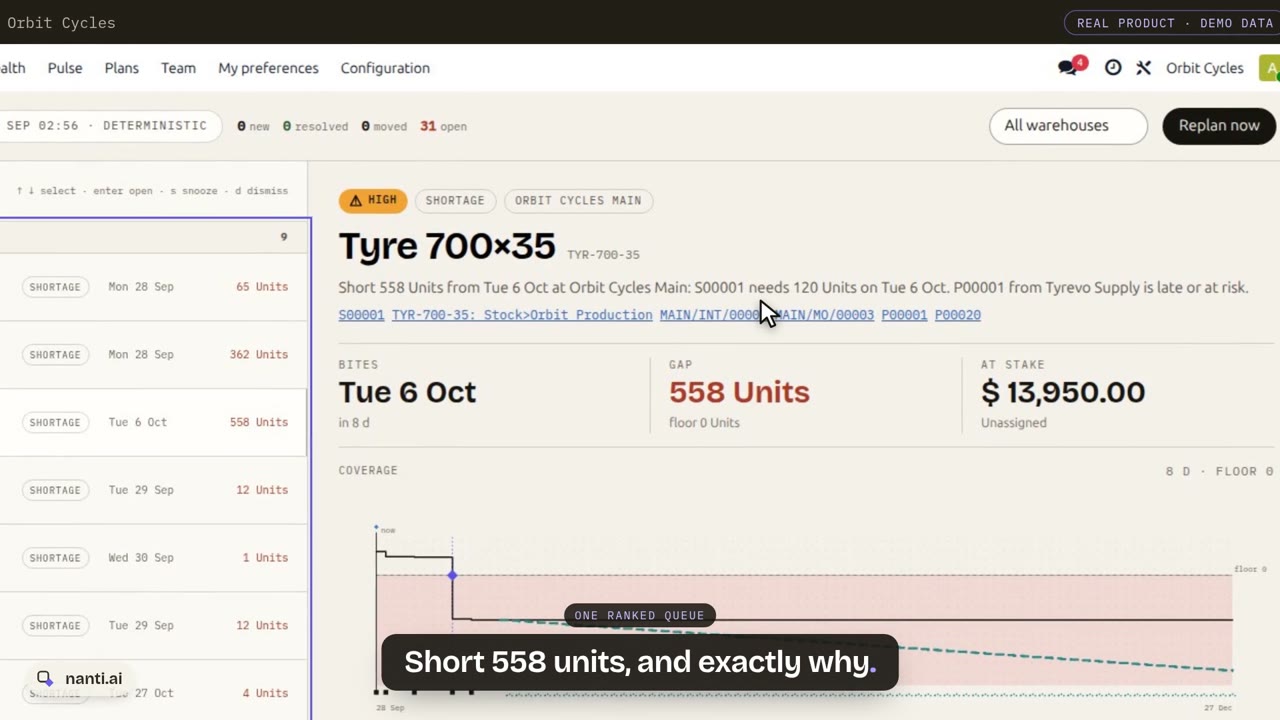 Nanti Manufacturing Planner for Odoo: what runs short, and what to do about it0:55
 nanti.ai: specialized AI for businesses that run on Odoo0:38
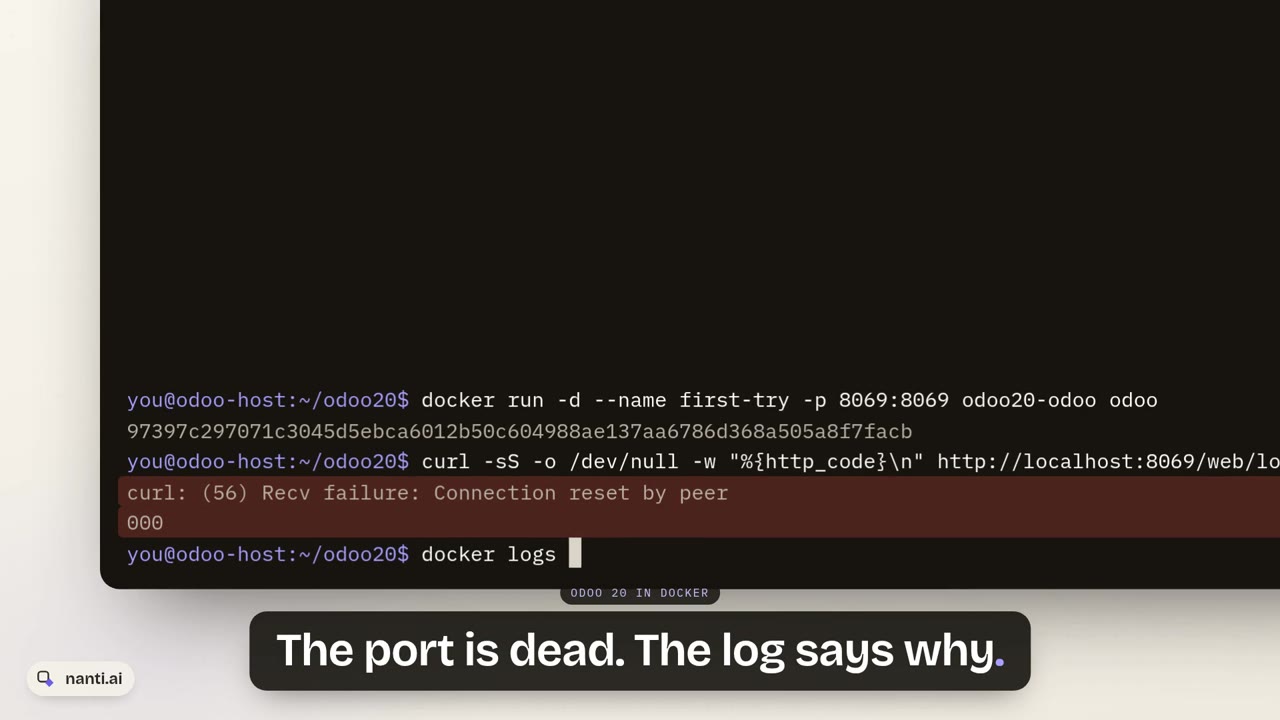 Install Odoo 20 with Docker: the 127.0.0.1 trap and the fix1:34