
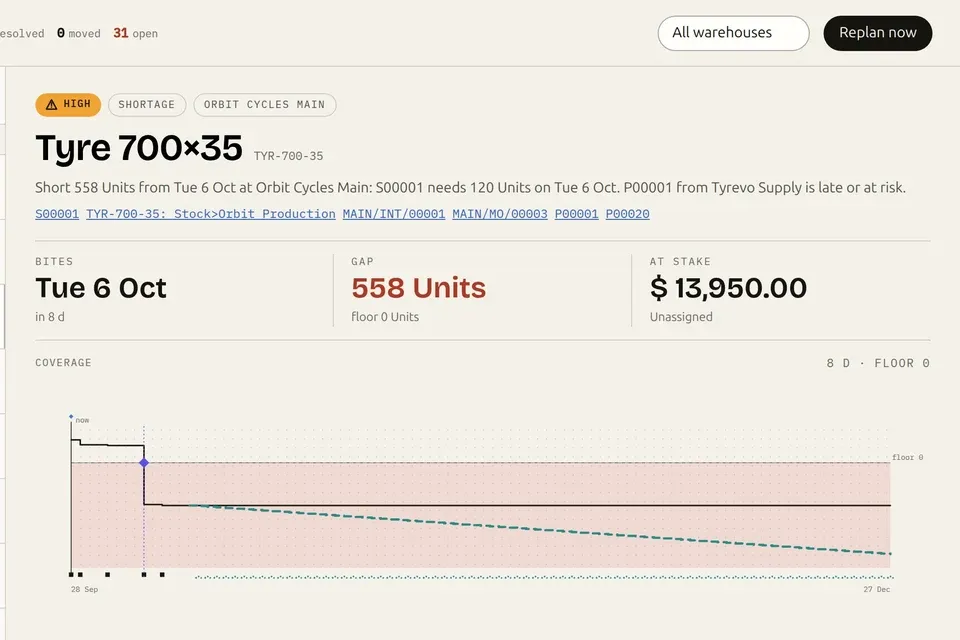

Videos · 1:06 · 2026-09-24
Odoo 20 native MCP vs the Execution Layer: what happens when your AI writes.
One request, moving 12 customers to 21-day payment terms, through Odoo 20’s native MCP as its 20.0 docs describe it and through the Execution Layer on real screens: the change waits for a person, runs only as approved, is read back from the database, replays on retry instead of running twice, refuses an ambiguous name, and is recorded before and after.
Read the page: Odoo 20 native MCP vs the Execution Layer
Transcript
- Odoo 20 has MCP. What happens when your AI writes?
- The request: “Move these 12 customers to 21-day payment terms.”
- Odoo 20 native MCP, per Odoo’s 20.0 docs: the update runs. A person approving it first, a read-back from the database, and a record of what the AI did are not described.
- Execution Layer: The change waits for a person. (real response, demo data)
- A person approves, in Odoo: Approved payload only.
- Execution Layer: Read back from the database: Verified. (real response, demo data)
- The stored receipt: Executed · Persisted · Verified · Recorded
- A retried update: Retry runs once. (real response, demo data)
- Two companies named Northwind Trading: Refused, not guessed.
- Evidence · record history: Every change, before and after.
- Native MCP for reading. The Execution Layer for writes you can prove. nanti.ai/execution-layer. Available now for Odoo 19 · Odoo 20 support in progress · real product, demo data.
More videos
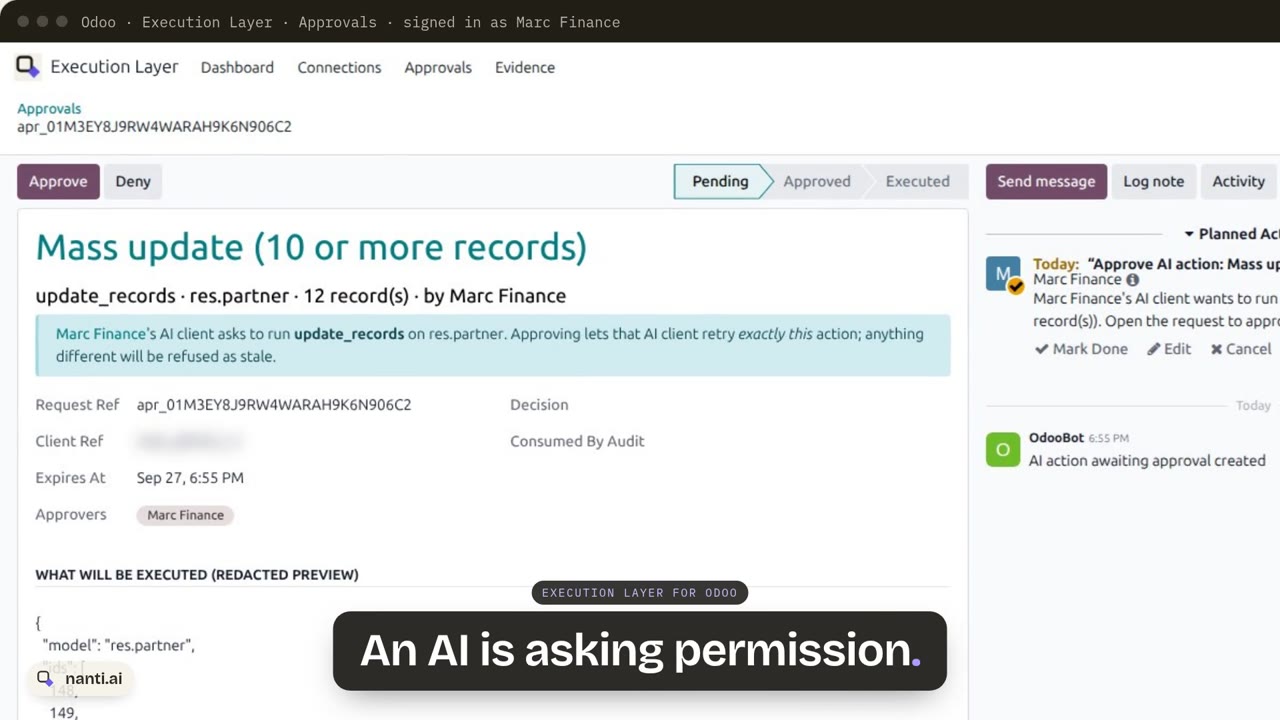 Execution Layer for Odoo: AI writes with approvals and proof0:57
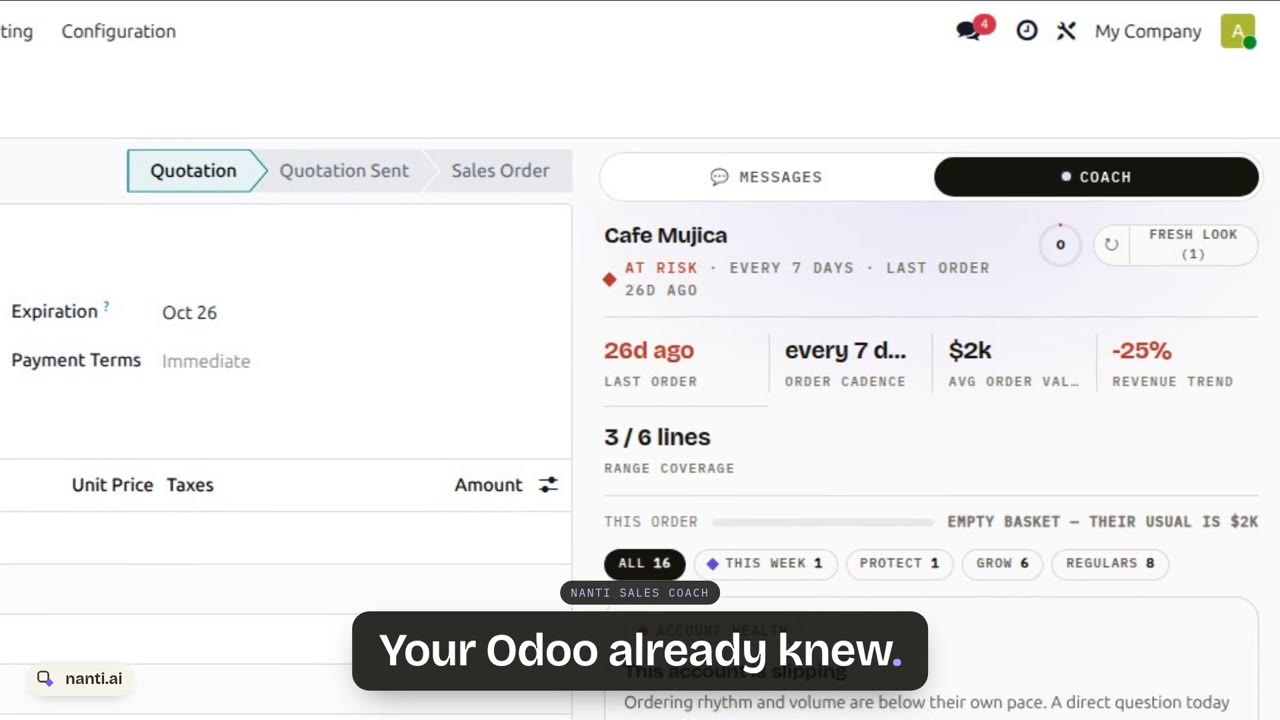 Nanti Sales Coach: the AI Sales Coach for Odoo, in under a minute0:48
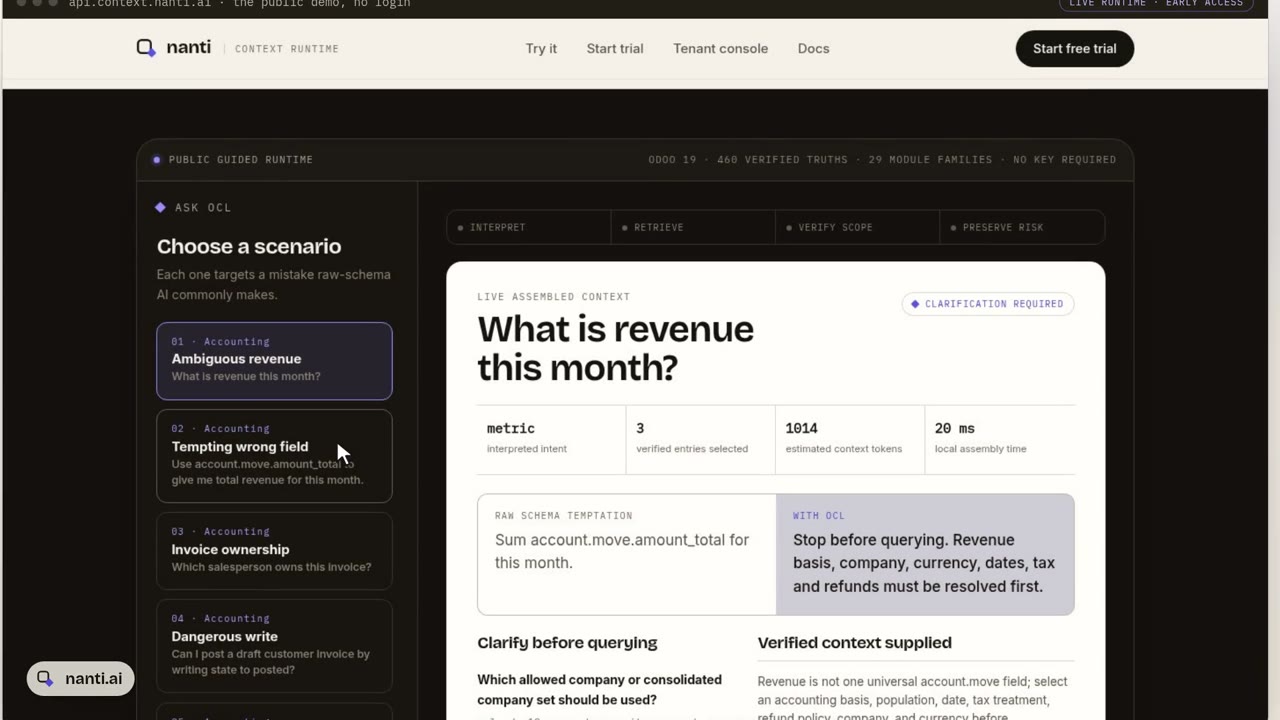 Context Layer for Odoo: why AI gets revenue wrong, and the fix0:51
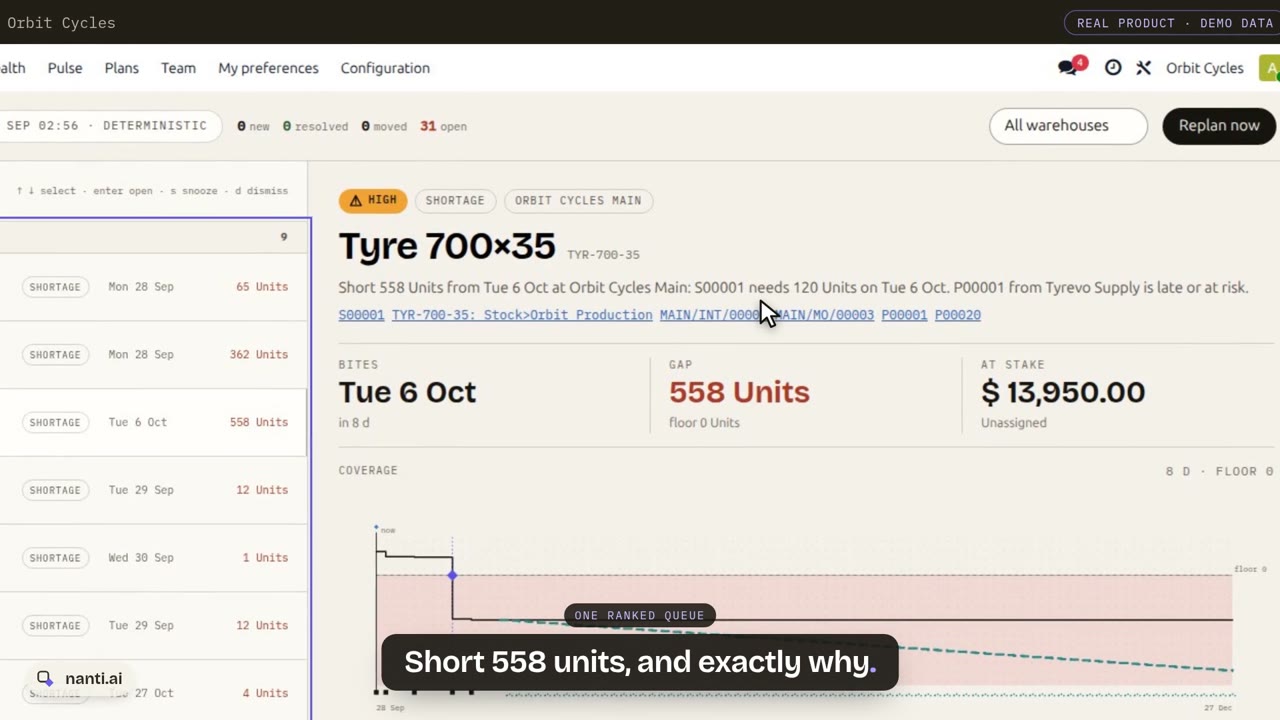 Nanti Manufacturing Planner for Odoo: what runs short, and what to do about it0:55
 nanti.ai: specialized AI for businesses that run on Odoo0:38
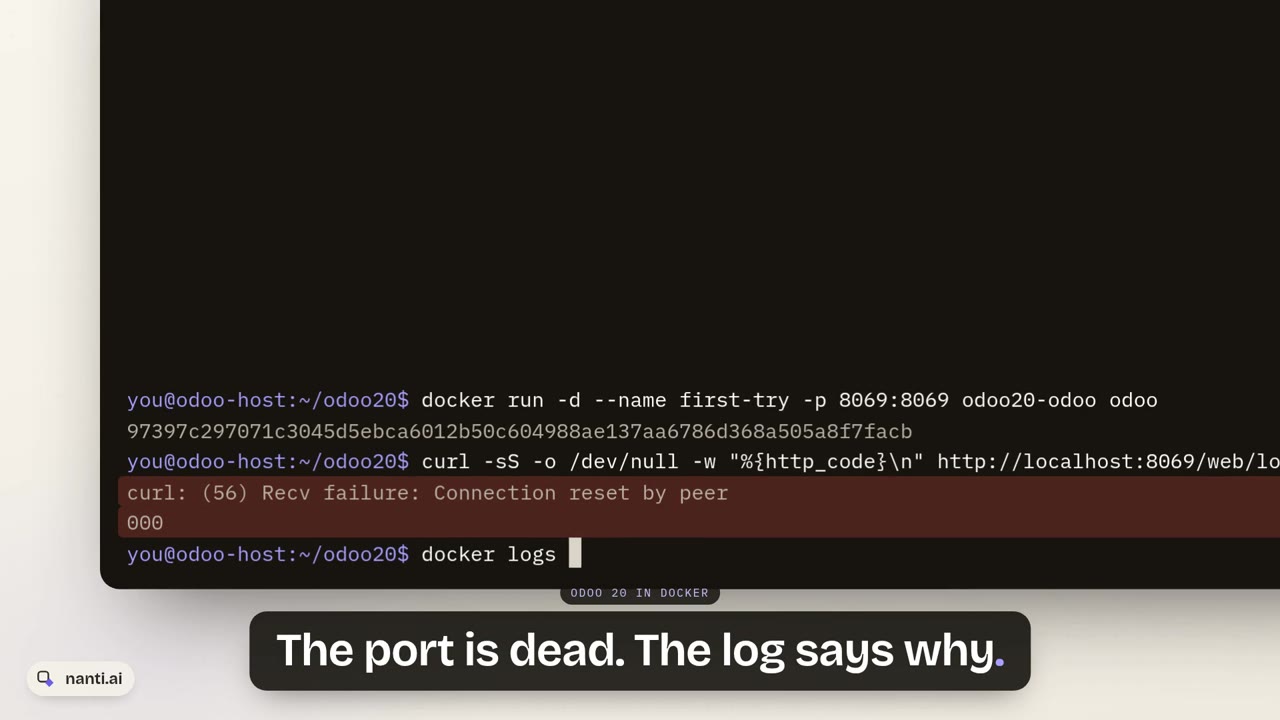 Install Odoo 20 with Docker: the 127.0.0.1 trap and the fix1:34