

Videos · 1:32 · 2026-09-26
How to install Odoo 20 on Ubuntu 24.04, every command run for real.
Odoo 20 on a clean Ubuntu 24.04 LTS server from Odoo’s official 20.0 package: PostgreSQL 16 from Ubuntu, Odoo’s signing key and 20.0 repository, apt-get install odoo (it starts as a service), wkhtmltopdf 0.12.6 with patched Qt for PDF reports, the Odoo 20 default of listening on 127.0.0.1 only, and creating the first database.
Read the page: How to install Odoo 20
Transcript
- Odoo 20 on Ubuntu 24.04, in five steps. Every command run for real, 26 September 2026.
- What Odoo 20 needs: Ubuntu 24.04 LTS, with Python 3.12 and PostgreSQL 16. Ubuntu 22.04 is too old: upgrade, or use Docker. A user with sudo.
- Step 1: PostgreSQL 16, straight from Ubuntu. sudo apt install postgresql -y
- Step 2: Trust Odoo's key. Add the 20.0 package channel.
- Step 3: sudo apt-get install odoo. One package. It starts as a service.
- Step 4: wkhtmltopdf 0.12.6 with patched Qt, the build Odoo needs for PDF reports.
- New in Odoo 20: it listens on 127.0.0.1 only.
- Before you open it: from your laptop, ssh -L 8069:localhost:8069 you@your-server. For real users, nginx with HTTPS in front. Updates come through apt.
- Note the master password, then name your database and create it. Odoo 20.0 Community, running on Ubuntu 24.04.
- Every command, run for real. Debian 13, Docker, Fedora 43, source, Windows and macOS are in the guide: nanti.ai/install-odoo-20
More videos
 Odoo 20 native MCP vs the Execution Layer: what happens when your AI writes1:06
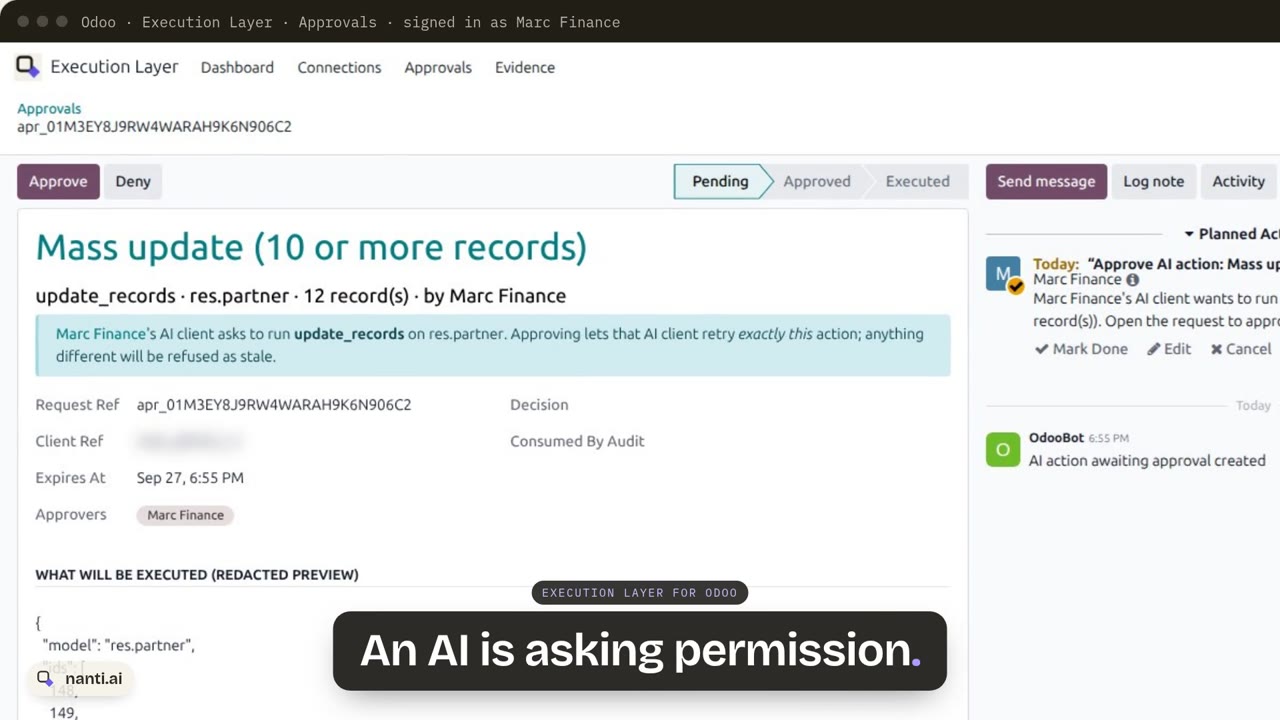 Execution Layer for Odoo: AI writes with approvals and proof0:57
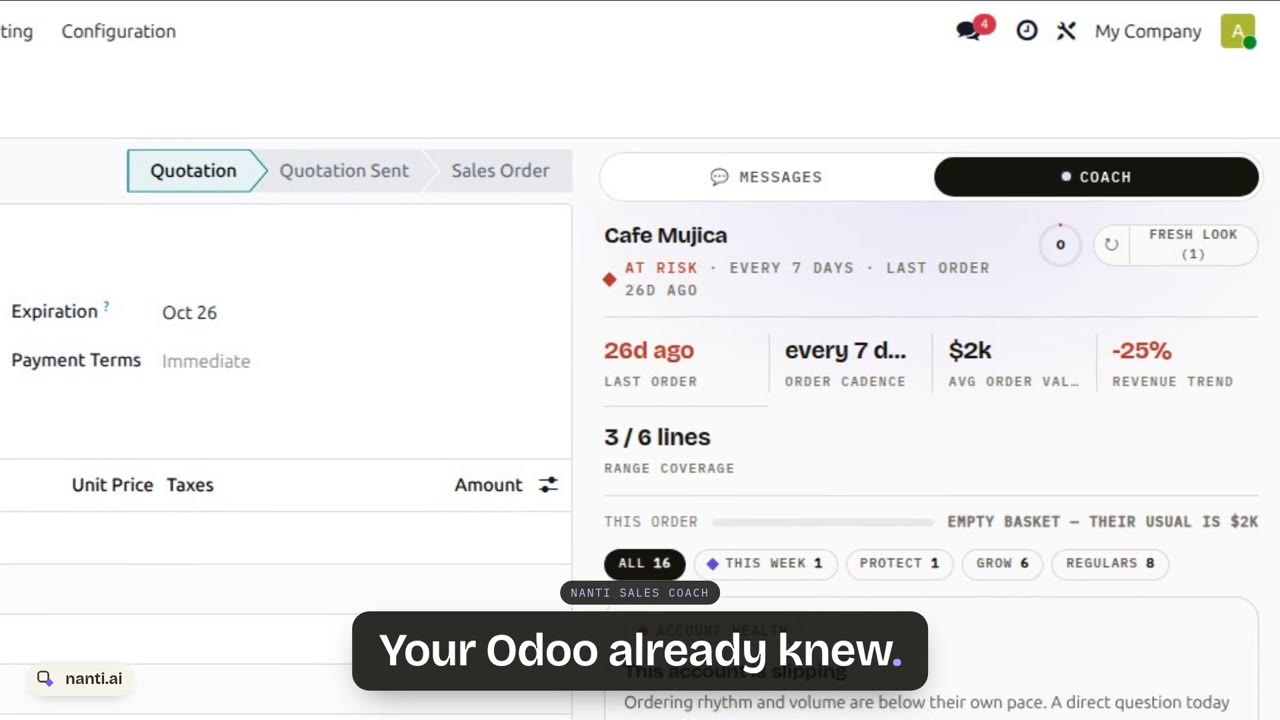 Nanti Sales Coach: the AI Sales Coach for Odoo, in under a minute0:48
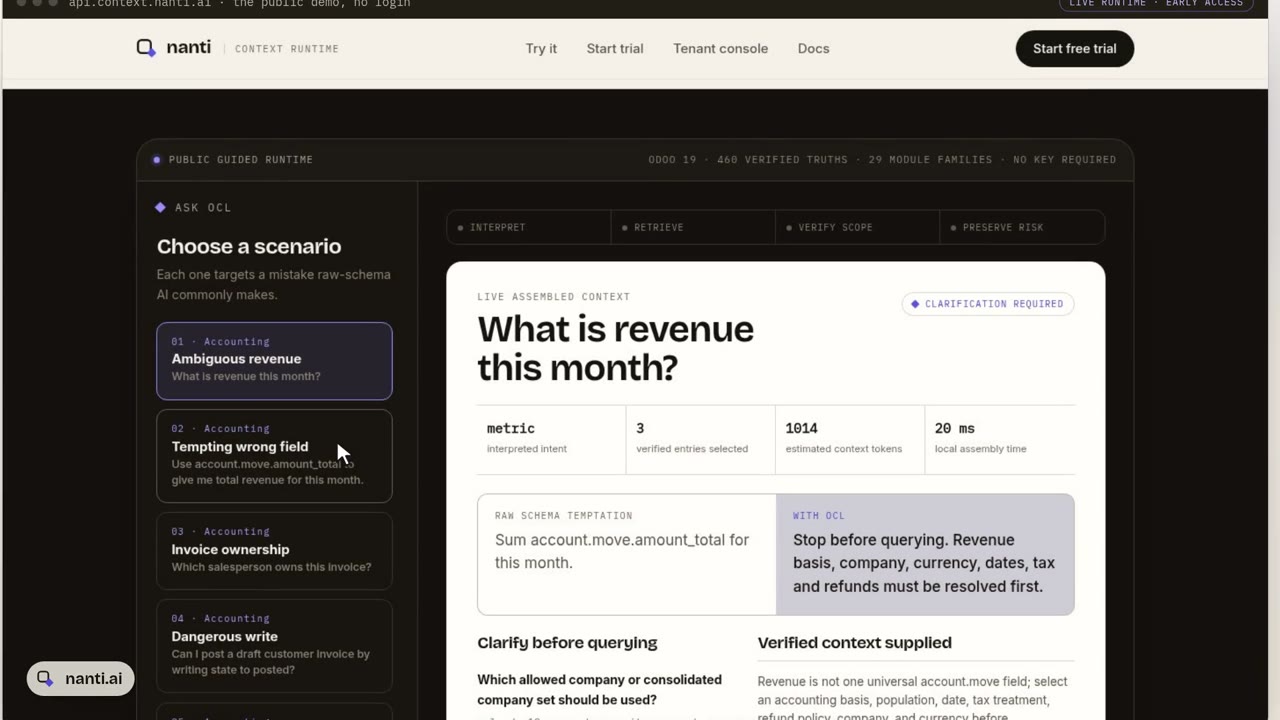 Context Layer for Odoo: why AI gets revenue wrong, and the fix0:51
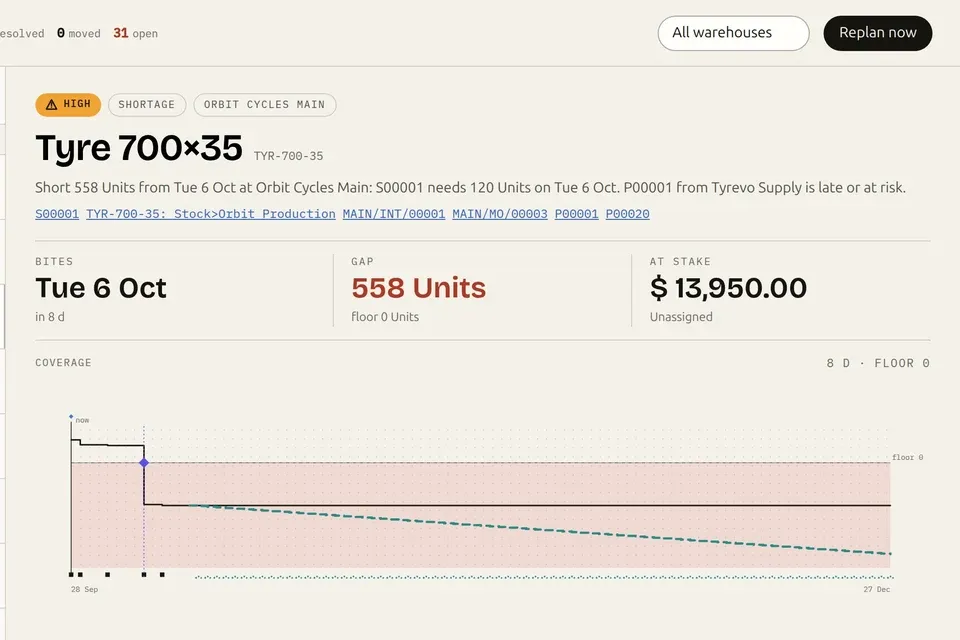
 Nanti Manufacturing Planner for Odoo: what runs short, and what to do about it0:55
 nanti.ai: specialized AI for businesses that run on Odoo0:38