
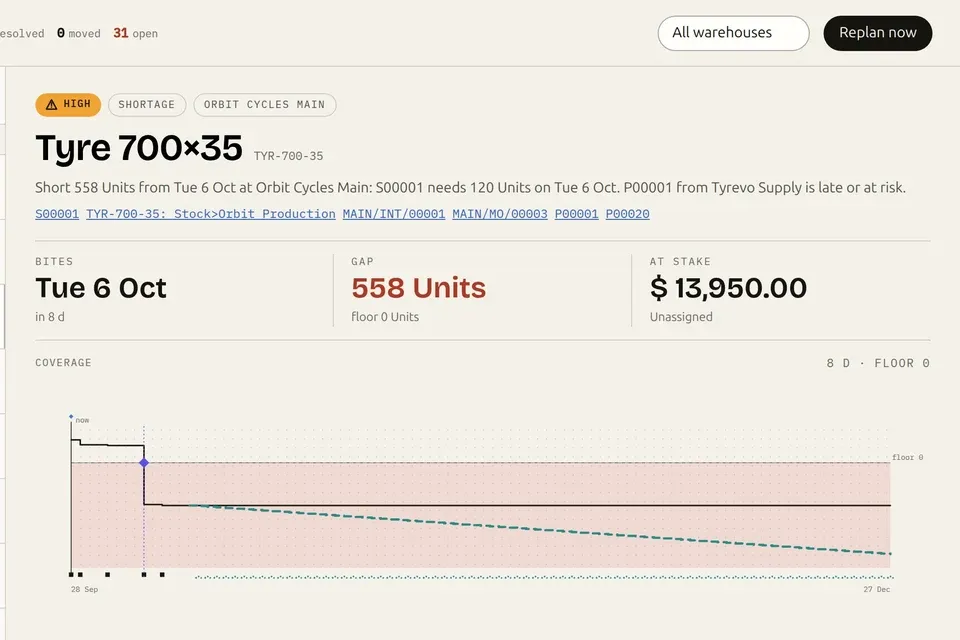

Videos · 1:14 · 2026-09-26
Tell your whole sales team what to push this week, in Odoo.
A sales manager writes a directive in Odoo (the product to push, why, and who should see it). A rep starts a quotation for that customer, the directive shows up in the coach panel as a play, one click puts the product on the order, and the rep confirms it. The Performance dashboard shows the revenue tied to confirmed orders and the play it came from, and the weekly owner digest reports it.
Read the page: Nanti Sales Coach
Transcript
- Tell the whole team what to push this week. Nanti Sales Coach for Odoo · the manager's side.
- A directive: Name it. Pick the product.
- Who should see it: Everyone, a segment, or one customer. Running: Live the moment it's saved.
- A rep starts a quote: For that customer. This week: The directive is a play on the quote.
- Add priority: One click puts it on the order.
- Confirmed: A sales order.
- Performance: Revenue tied to confirmed orders. Where it came from: This week's directive.
- The weekly owner digest: What the coach tied to confirmed orders.
- Your priorities, on every quote. The AI Sales Coach for Odoo 19. nanti.ai/sales-coach Available now · Free plan, no card · real product on a sample account, offline coaching mode.
More videos
 Odoo 20 native MCP vs the Execution Layer: what happens when your AI writes1:06
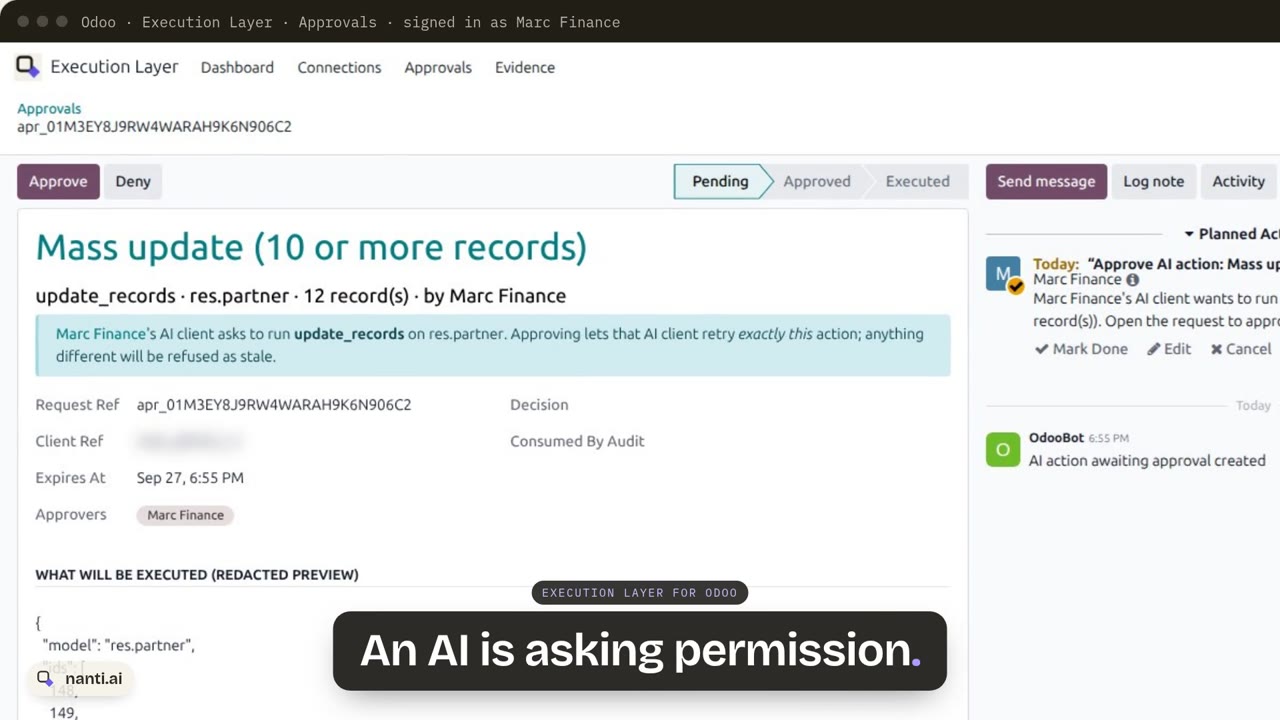 Execution Layer for Odoo: AI writes with approvals and proof0:57
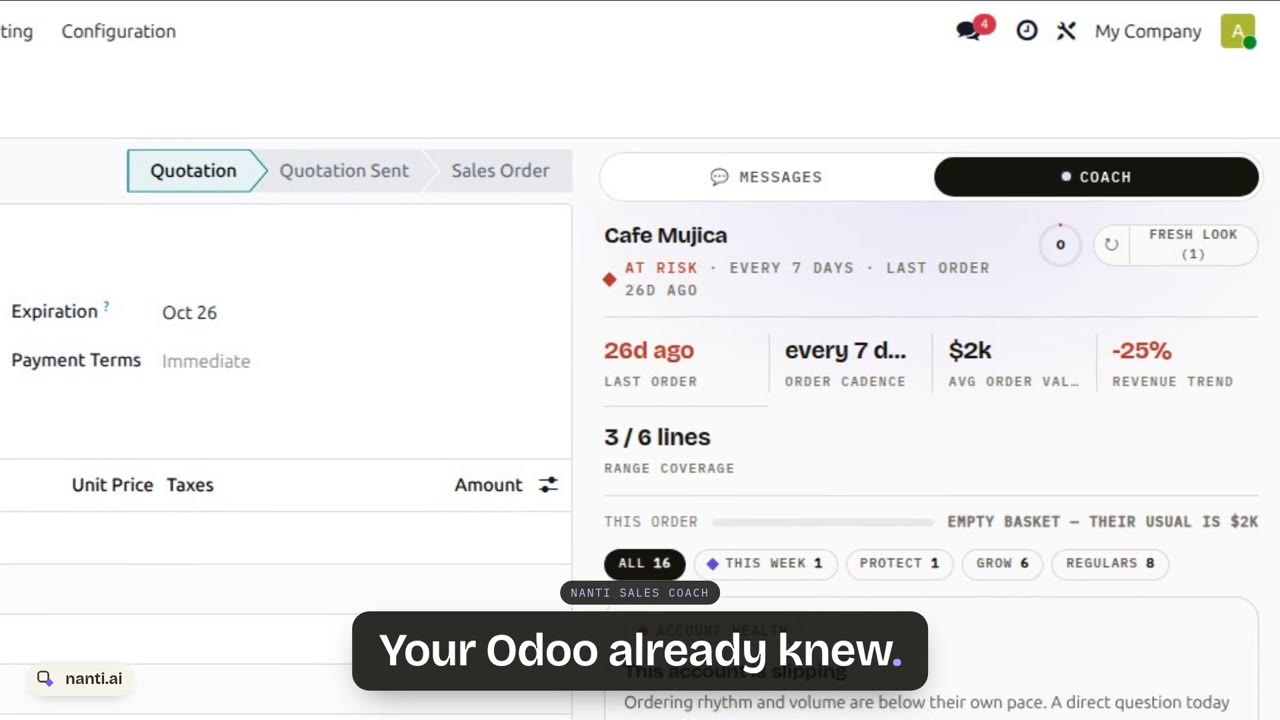 Nanti Sales Coach: the AI Sales Coach for Odoo, in under a minute0:48
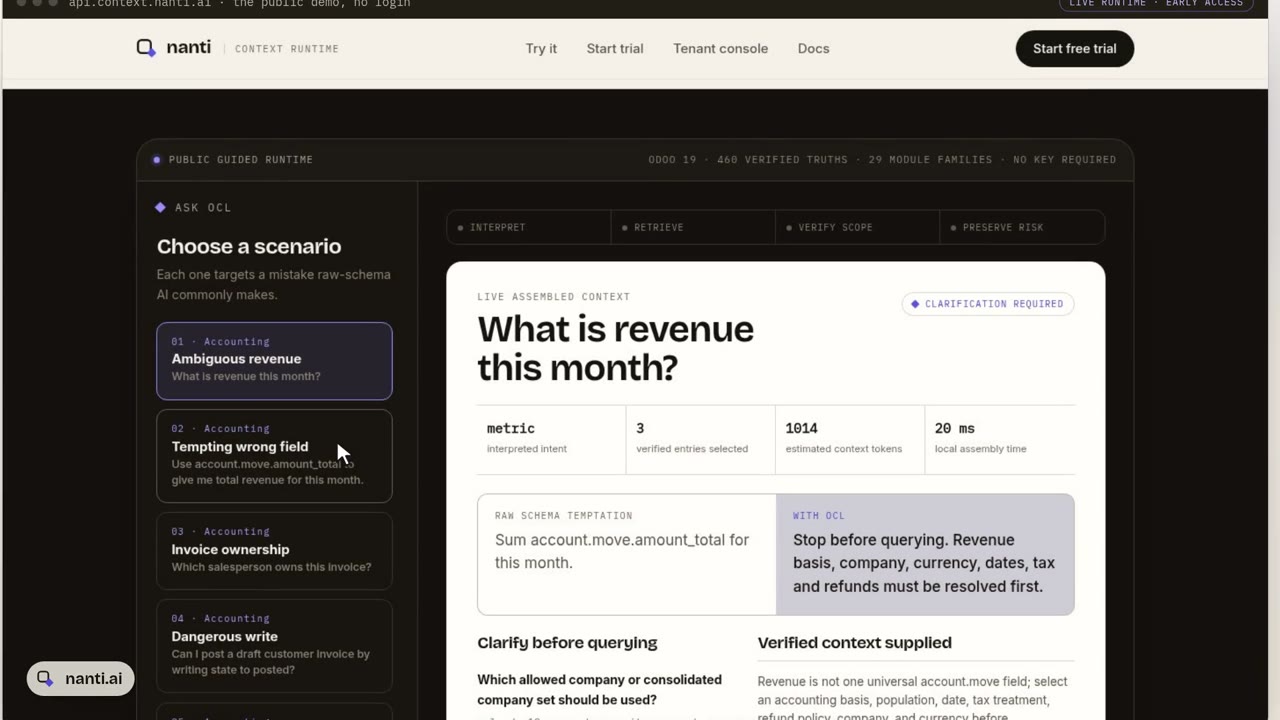 Context Layer for Odoo: why AI gets revenue wrong, and the fix0:51
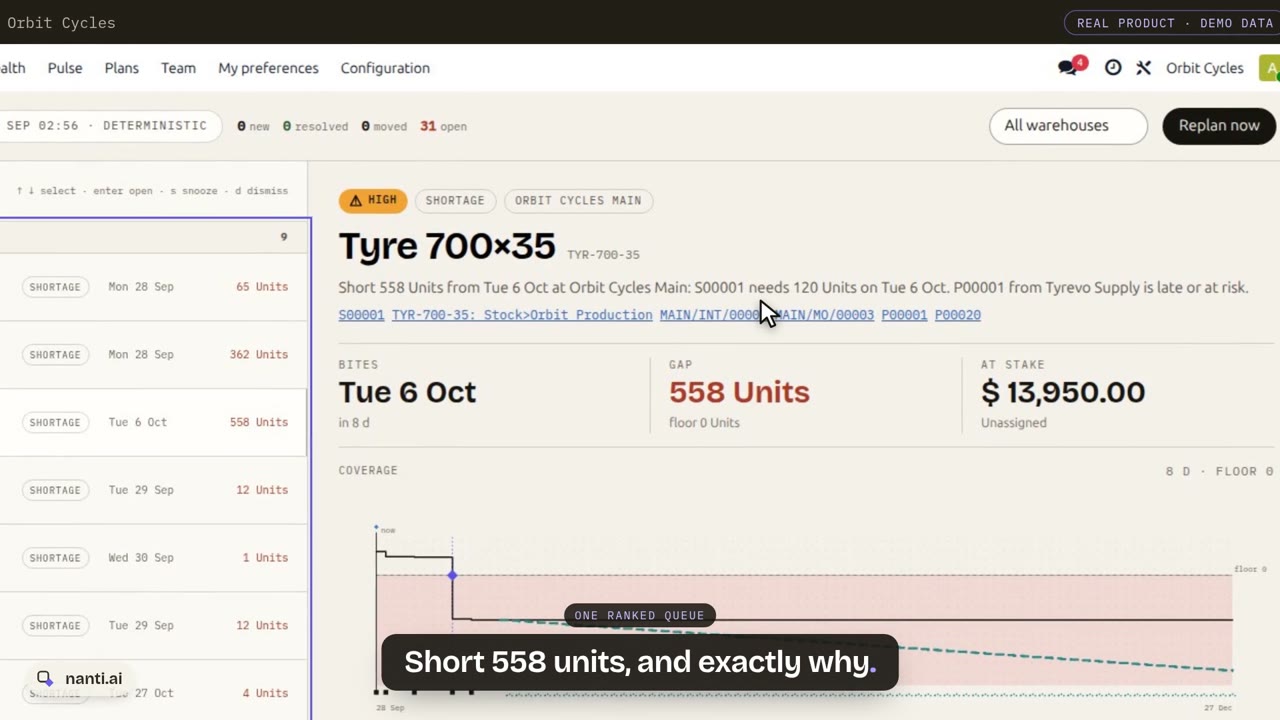 Nanti Manufacturing Planner for Odoo: what runs short, and what to do about it0:55
 nanti.ai: specialized AI for businesses that run on Odoo0:38